Platform
 W&B Models
 W&B Weave
 W&B Inference
 W&B Training
 Release Notes
This is an interactive notebook. You can run it locally or use the links below:
Optimizing LLM Workflows Using DSPy and Weave
The BIG-bench (Beyond the Imitation Game Benchmark) is a collaborative benchmark intended to probe large language models and extrapolate their future capabilities consisting of more than 200 tasks. The BIG-Bench Hard (BBH) is a suite of 23 most challenging BIG-Bench tasks that can be quite difficult to be solved using the current generation of language models. This tutorial demonstrates how we can improve the performance of our LLM workflow implemented on the causal judgement task from the BIG-bench Hard benchmark and evaluate our prompting strategies. We will use DSPy for implementing our LLM workflow and optimizing our prompting strategy. We will also use Weave to track our LLM workflow and evaluate our prompting strategies.Installing the Dependencies
We need the following libraries for this tutorial:- DSPy for building the LLM workflow and optimizing it.
- Weave to track our LLM workflow and evaluate our prompting strategies.
- datasets to access the Big-Bench Hard dataset from HuggingFace Hub.
Enable Tracking using Weave
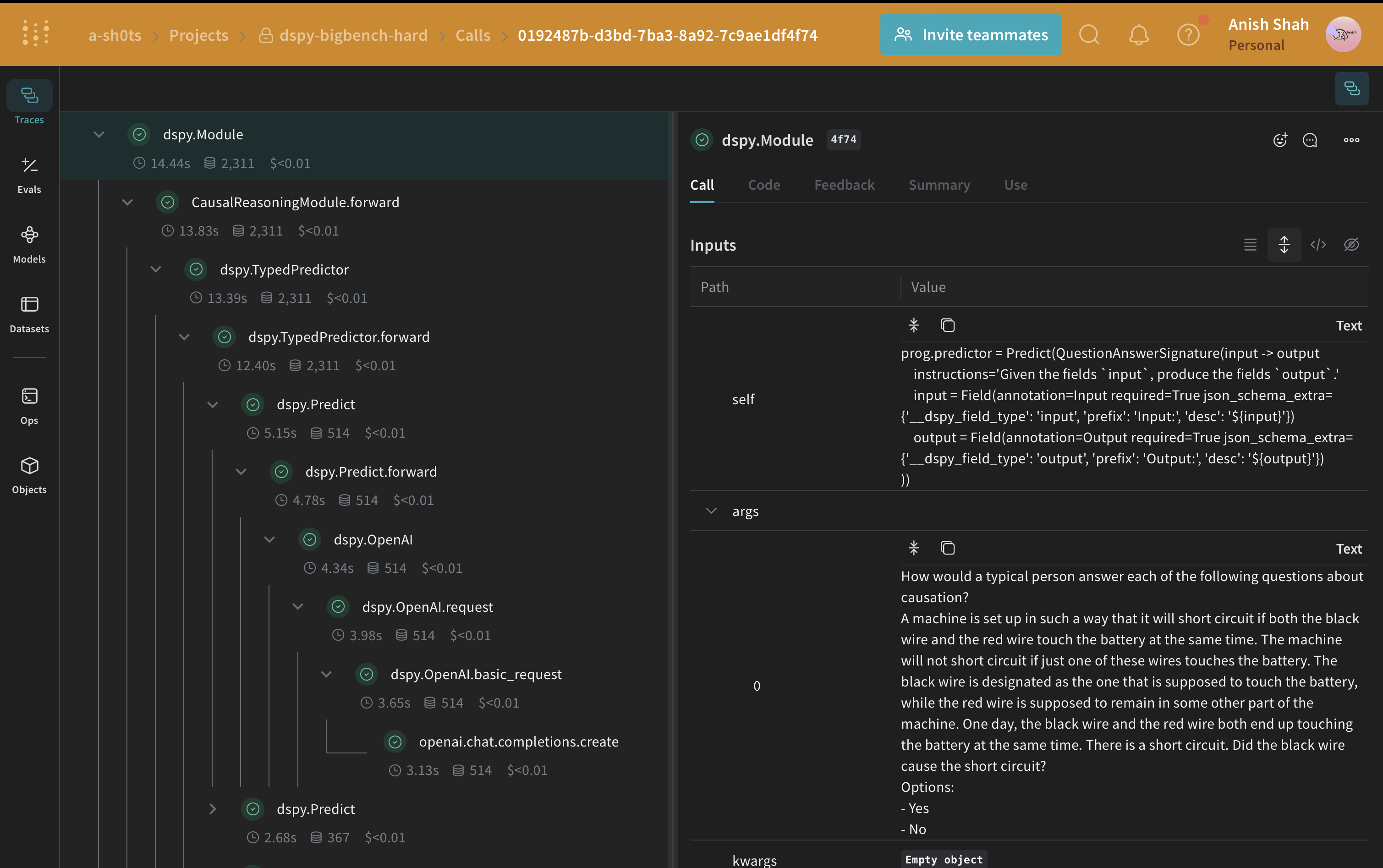
Weave is currently integrated with DSPy, and includingweave.init at the start of our code lets us automatically trace our DSPy functions which can be explored in the Weave UI. Check out the Weave integration docs for DSPy to learn more.
weave.Object to manage our metadata.
Load the BIG-Bench Hard Dataset
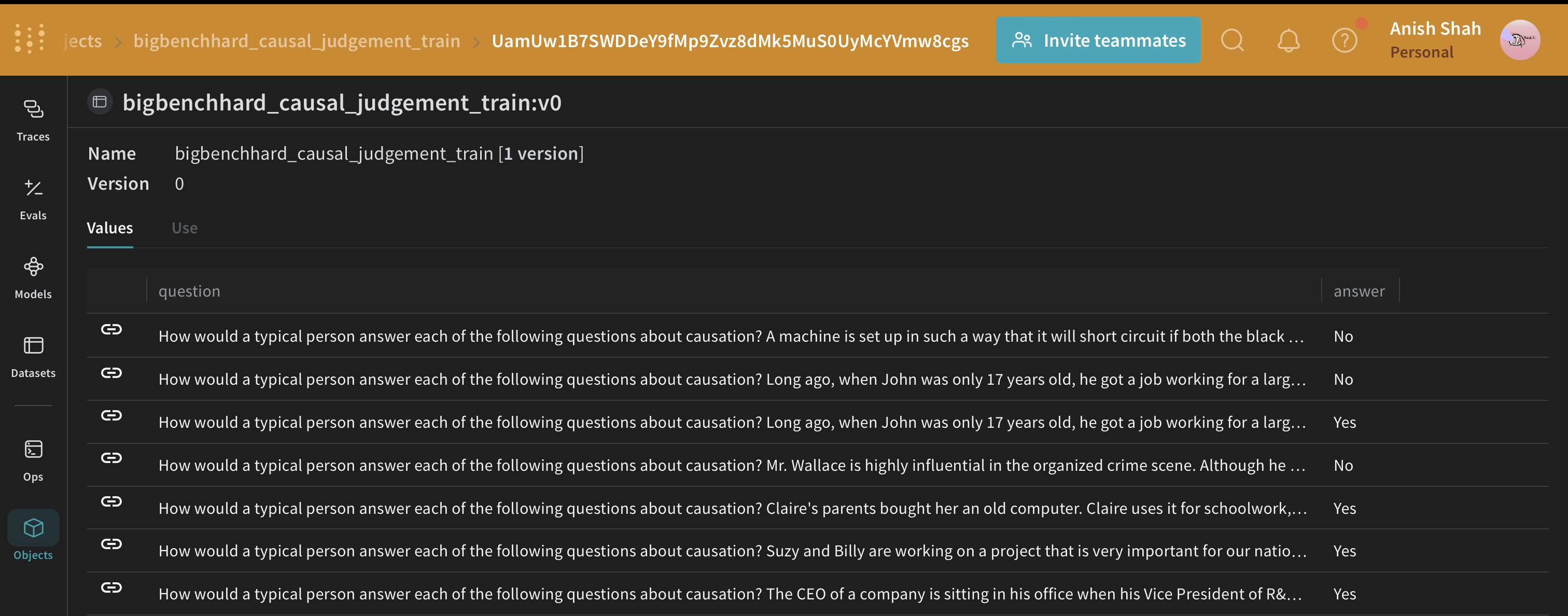
We will load this dataset from HuggingFace Hub, split into training and validation sets, and publish them on Weave, this will let us version the datasets, and also useweave.Evaluation to evaluate our prompting strategy.
The DSPy Program
DSPy is a framework that pushes building new LM pipelines away from manipulating free-form strings and closer to programming (composing modular operators to build text transformation graphs) where a compiler automatically generates optimized LM invocation strategies and prompts from a program. We will use thedspy.OpenAI abstraction to make LLM calls to GPT3.5 Turbo.
Writing the Causal Reasoning Signature
A signature is a declarative specification of input/output behavior of a DSPy module which are task-adaptive components—akin to neural network layers—that abstract any particular text transformation.CausalReasoningModule on an example from the causal reasoning subset of Big-Bench Hard.
Evaluating our DSPy Program
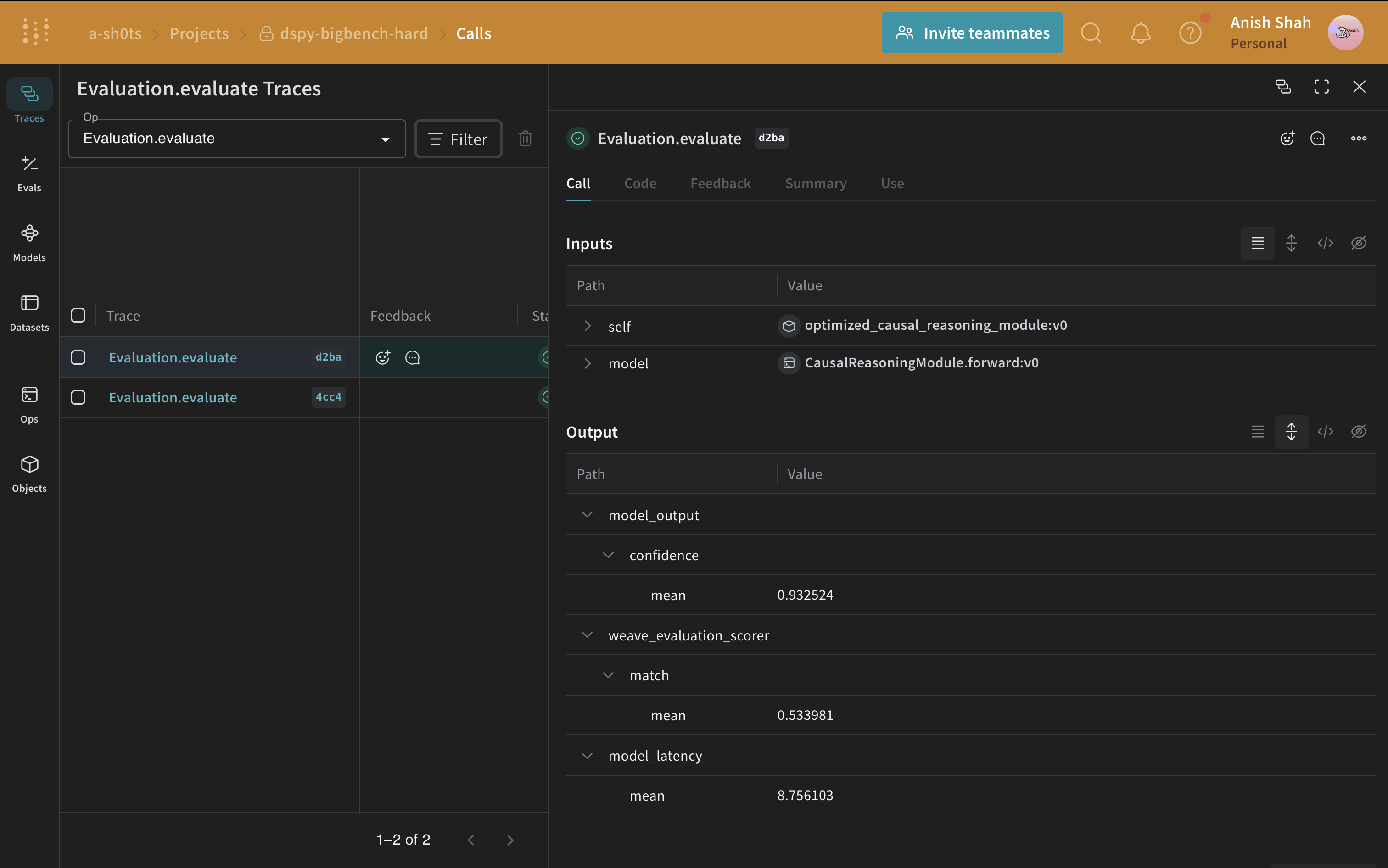
weave.Evaluation on a simple metric that matches the predicted answer with the ground truth. Weave will take each example, pass it through your application and score the output on multiple custom scoring functions. By doing this, you’ll have a view of the performance of your application, and a rich UI to drill into individual outputs and scores.
First, we need to create a simple weave evaluation scoring function that tells whether the answer from the baseline module’s output is the same as the ground truth answer or not. Scoring functions need to have a model_output keyword argument, but the other arguments are user defined and are taken from the dataset examples. It will only take the necessary keys by using a dictionary key based on the argument name.
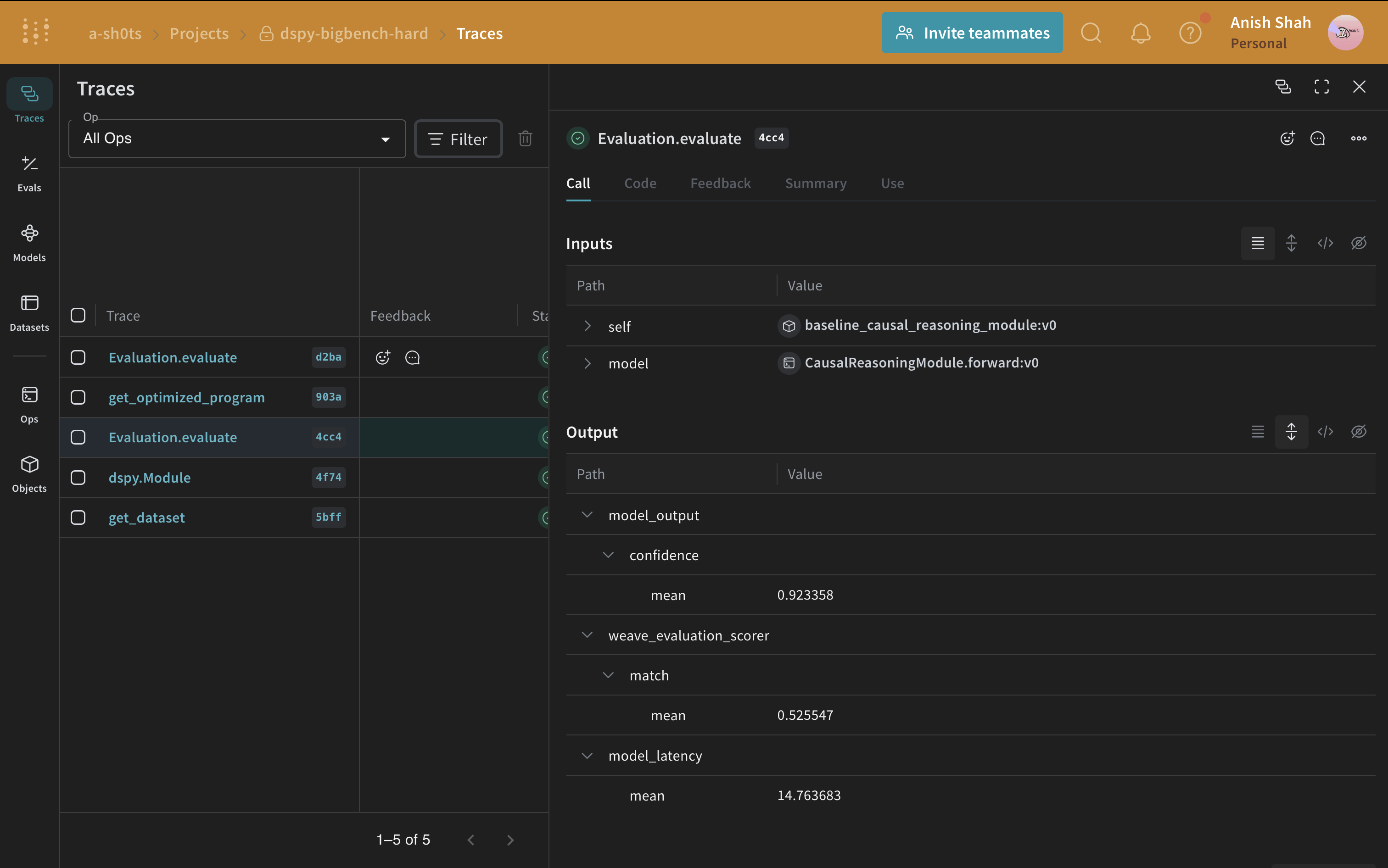
If you’re running from a python script, you can use the following code to run the evaluation:
Optimizing our DSPy Program
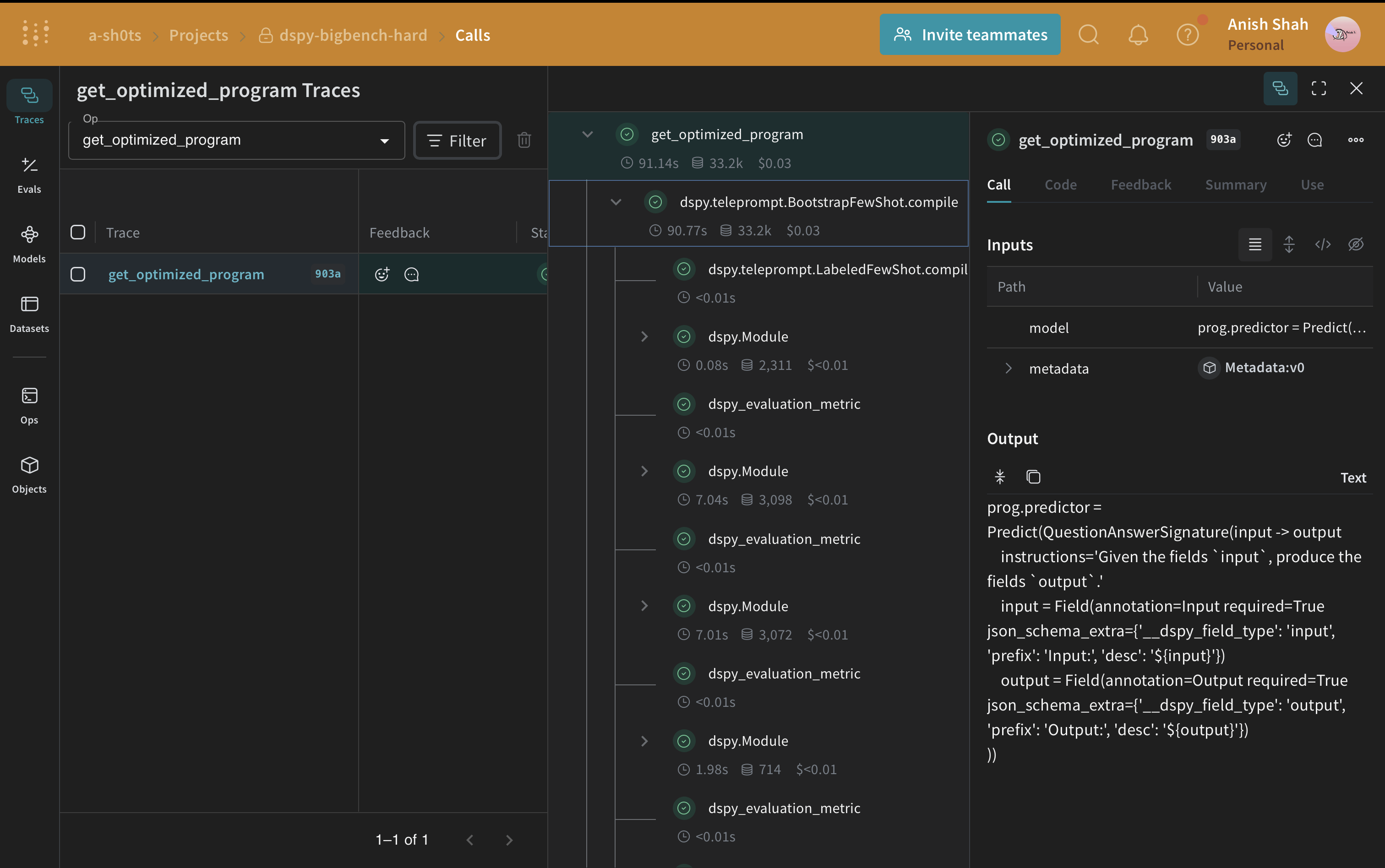
Now, that we have a baseline DSPy program, let us try to improve its performance for causal reasoning using a DSPy teleprompter that can tune the parameters of a DSPy program to maximize the specified metrics. In this tutorial, we use the BootstrapFewShot teleprompter.